
2 types d'images sur un ordinateurs

Image matricielle

L'image est séparé en "pixel", chaque "pixel" possède une couleur
C'est comme si c'était des p'tites graines qui faisaient l'image sur l'écran (https://youtu.be/SCvVatKfp2Y?feature=shared&t=65)
Image vectorielle
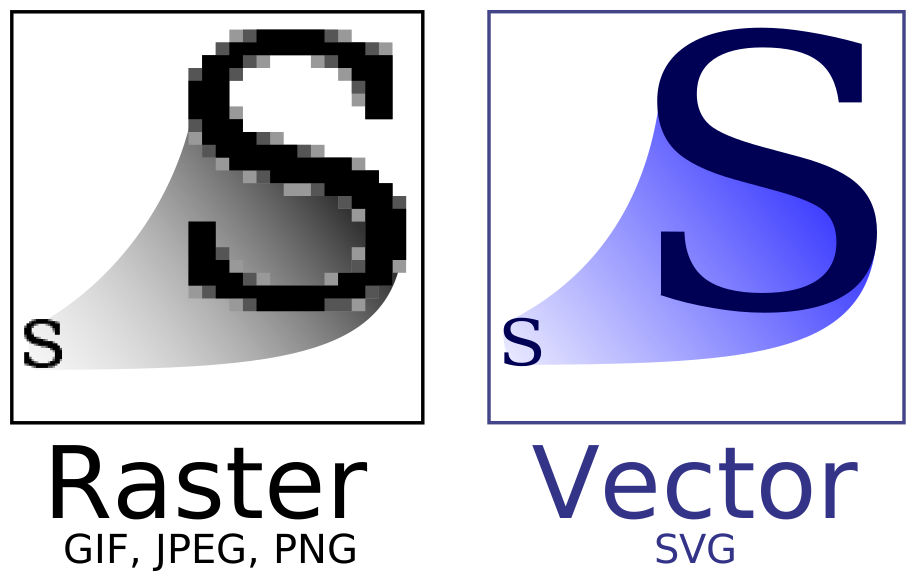
Image vectorielle
Une image vectorielle (ou image en mode trait), en informatique, est une image numérique composée d'objets géométriques individuels, des primitives géométriques
-- wikipedia
SVG dans le HTML

Scalable Vector Graphics (SVG)
- Le format d'image vectorielle en XML
- Standardisé de façon ouverte pour le Web
- Dans une page web, on peut manipuler les images SVG comme n'import quel autre element html
- didier considère le SVG comme faisant part de HTML
Exemple complet
<html>
<body>

<h4>Ceci n'est pas un cercle</h4>

<svg width="500" height="100" style="border: solid">
  <circle cx="50" cy="50" r="40" stroke="green" stroke-width="4" fill="yellow" />
</svg>

</body>
</html>
Ceci n'est pas un cercle
On peut styler avec du css..
<style>
   #my-circle {
     fill: red;
   }
</style>

<h4>Ceci n'est pas un cercle</h4>

<svg width="500" height="100" style="border: solid">
  <circle id="my-circle" cx="50" cy="50" r="40" stroke="green" stroke-width="4" />
</svg>
Ceci n'est pas un cercle
Notes sur les SVG

Notes
Un svg est une collection de cercles, rectangles, textes,... sur un canvas
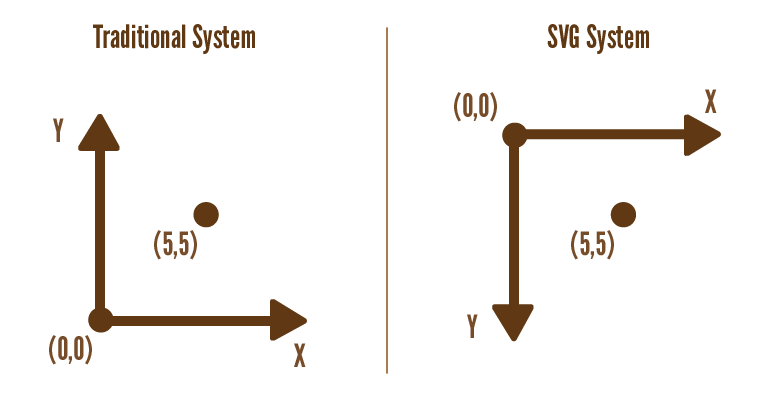
Les coordonnées d'un svg sont en "pixel" mais acceptent des nombres à virgule
La direction de l'axe des ordonnées est inversée

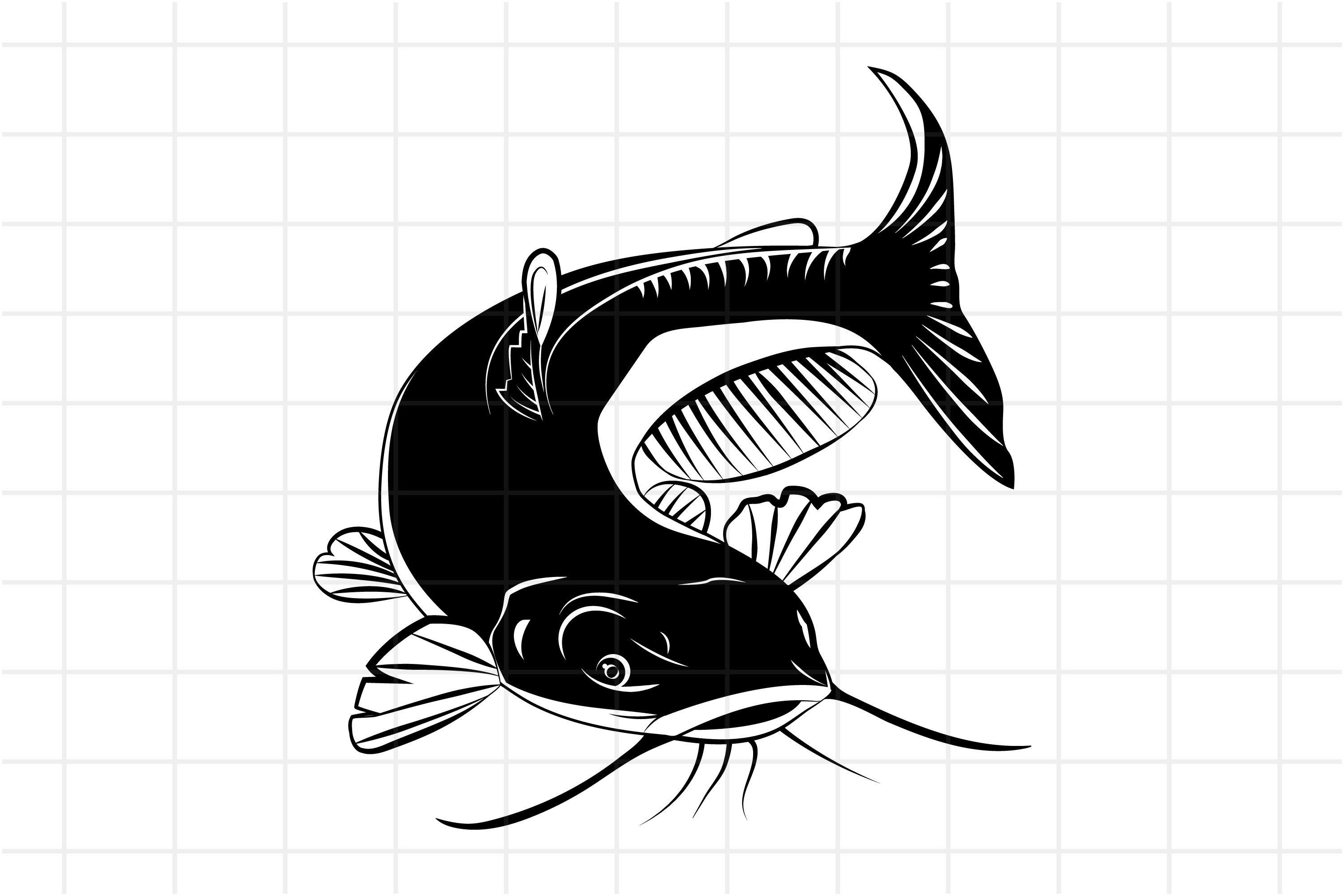
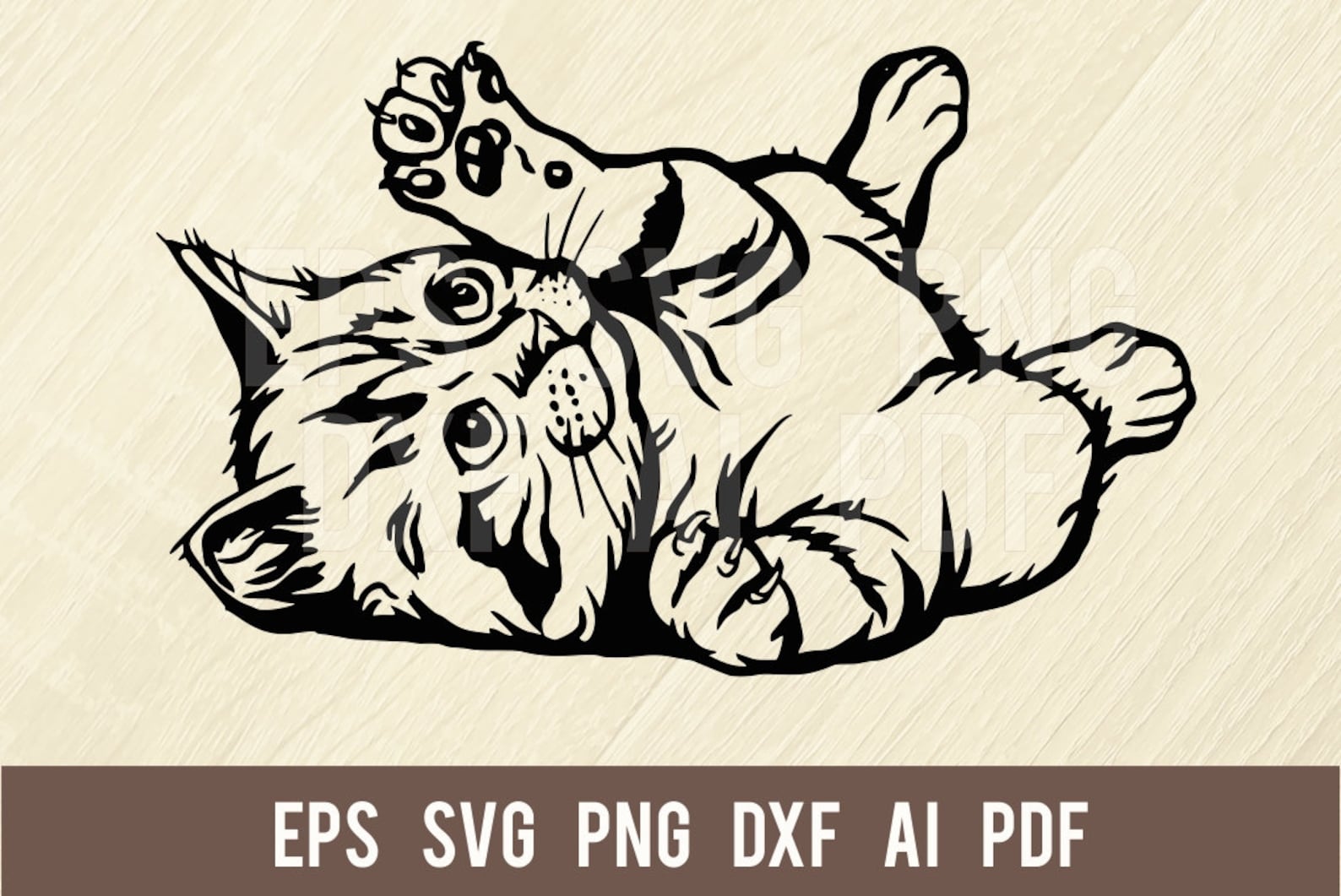
Bibliothèque d'images SVG
Les éléments importants du SVG
Le cercle
<svg width="500" height="100" style="border: solid">
  <circle cx="50" cy="50" r="40" stroke="green" stroke-width="4" fill="yellow" />
</svg>
- nom de l'element:
circle - attributs importants
cx,cy: le centre du cercle
- https://developer.mozilla.org/en-US/docs/Web/SVG/Element/circle
Exemple de cercle
Le rectangle
<svg width="500" height="100" style="border: solid">
  <rect x="25" y="25"width="50" height="50" stroke="green" stroke-width="4" fill="yellow" />
</svg>
- nom de l'element:
rect - attributs importants
x,y: le coin supérieur gauche du rectablewidth: la largeur du rectangleheight: la hauteur du rectangle
- https://developer.mozilla.org/en-US/docs/Web/SVG/Element/rect
Exemple de rectangle
Le texte
<svg width="500" height="100" style="border: solid">
  <text x="50" y="50">Ceci est un text qui sera très long pour aucune raison précise</svg>
</svg>
- nom de l'element:
text - attributs importants
x,y: le position du text
- https://developer.mozilla.org/en-US/docs/Web/SVG/Element/text
Exemple de text
Le div du svg
<svg width="500" height="100" style="border: solid">
  <g style="fill: red; stroke: pink; stroke-width: 3;">
    <rect x="25" y="25"width="50" height="50"  />
    <rect x="100" y="25"width="50" height="50" />
  </g>
</svg>
- nom de l'element:
g - https://developer.mozilla.org/en-US/docs/Web/SVG/Element/g
Les attributs importants
| Quoi | Nom | Valeur |
|---|---|---|
| La couleur de l' intérieur | fill |
une couleur html |
| La couleur du coutour | stroke |
une couleur html |
| La transparence de l'intérieur | fill-opacity |
nombre entre 0 et 1 |
| La transparence du coutour | stroke-opacity |
nombre entre 0 et 1 |
| Largeur du contour | stroke-width |
nombre positif |
Utilisation en tant qu'attributs (pas trop bon)
<svg width="250" height="250" style="border: solid">
  <rect x="25" y="25" width="50" height="50" stroke="green" stroke-width="4" fill="yellow" />
  <rect x="50" y="50" width="50" height="50" stroke="green" stroke-width="4" fill="yellow" />
</svg>
Résultat
Utilisation en tant que style (on aime plus)
<svg width="250" height="250" style="border: solid">
  <rect x="25" y="25" width="50" height="50" style="stroke: green; stroke-width: 4; fill: yellow;" />
  <rect x="50" y="50" width="50" height="50" style="stroke: green; stroke-width: 4; fill: yellow;" />
</svg>
Résultat
Exercice

Dessinez les blocs tetris en svg
Dessinez un bonhomme sourir en svg 😁